
Bluetooth Mouse for Laptop/MacBook/iPad/Android PC,Rechargable Quiet Slim Wireless Mice Compatible with Windows/Linux/Tablet


Bluetooth Mouse for Laptop/MacBook/iPad/Android PC,Rechargable Quiet Slim Wireless Mice Compatible with Windows/Linux/Tablet
SPECIFICATIONS
Battery Included: Yes
Brand Name: NONE
Choice: yes
DPI: 1600
Hand Orientation: Both Hands
High-concerned chemical: None
Interface Type: USB
Number of Rollers: 1 pcs
Origin: Mainland China
Package: Yes
Power Source: Rechargeable
Power Type: Rechargeable
Type: Bluetooth Wireless
Notification:
This product is a battery-free charging mouse.
There are two ways to connect a mouse: Bluetooth Connection + 2.4G Wireless connection
Please confirm the color before purchase, and we strictly follow the products you have placed.
Product Features:
1, Ultra-weak design, fashionable and convenient;
2, strong opposite, long distance up to 10m
3, Intelligent energy-saving red light design, long standby time
4, Scroll wheel, you scroll with ease and speed, you scroll with ease and speed
Note:
1, Do not disassemble the product by yourself
2, Avoid falling
3, Avoid water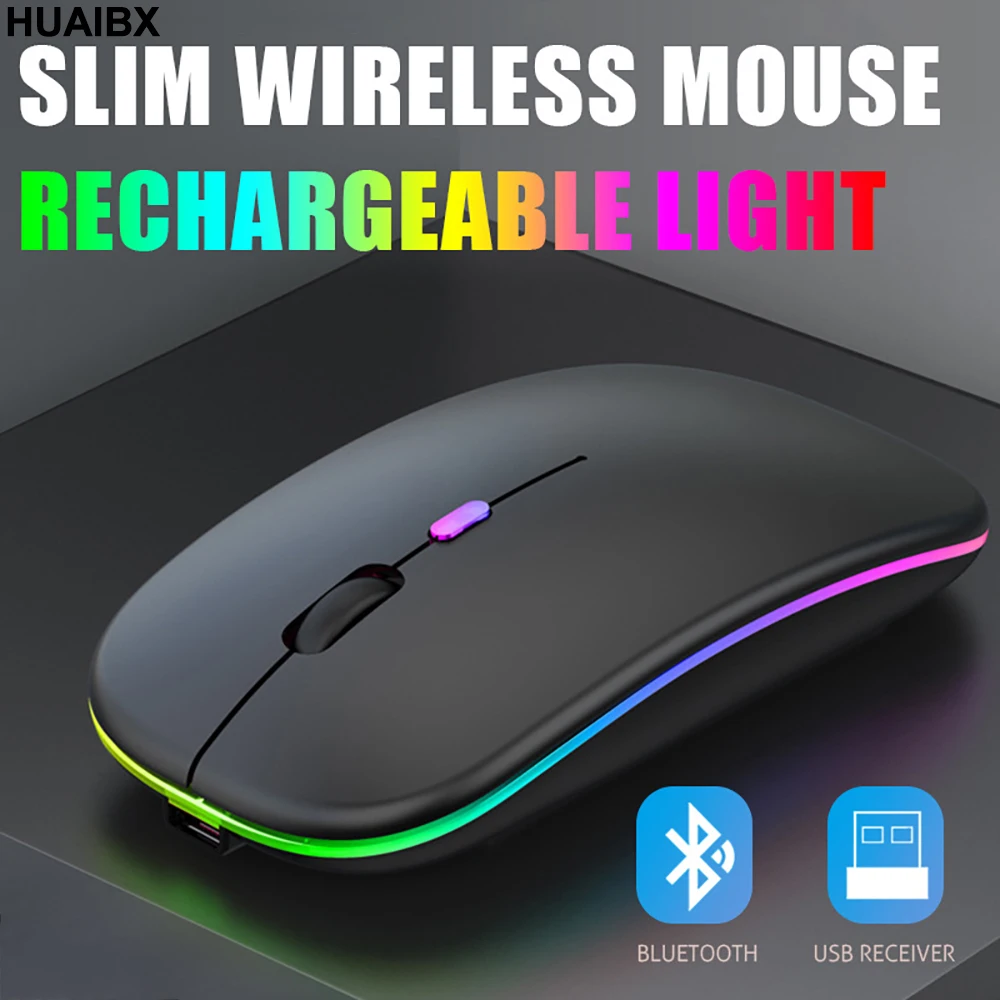 Mice Built-in Durable 500mAh Rechargeable Batery,High Cycle Life.No Need change Batery,!t Can Be Easily charged Using the lncluded UsB Cable Just 2Hours Charging,Can Use it About 7-30 Days.t Wil Fall Dormant After 5 Minute No-0peration to Save Power.Can Wake Mouse Up By Clicking any Button.
 Anti-Fingerprint,Skin-Friendly for comfort
Apple magic mouse with classic design with anti-fingerprint Surface Coating Technology GivesYou a Skin-Like comfort Touch, The sturdy anti-slip rubber scroll wheel ensures that your handwill not slip when scrolling.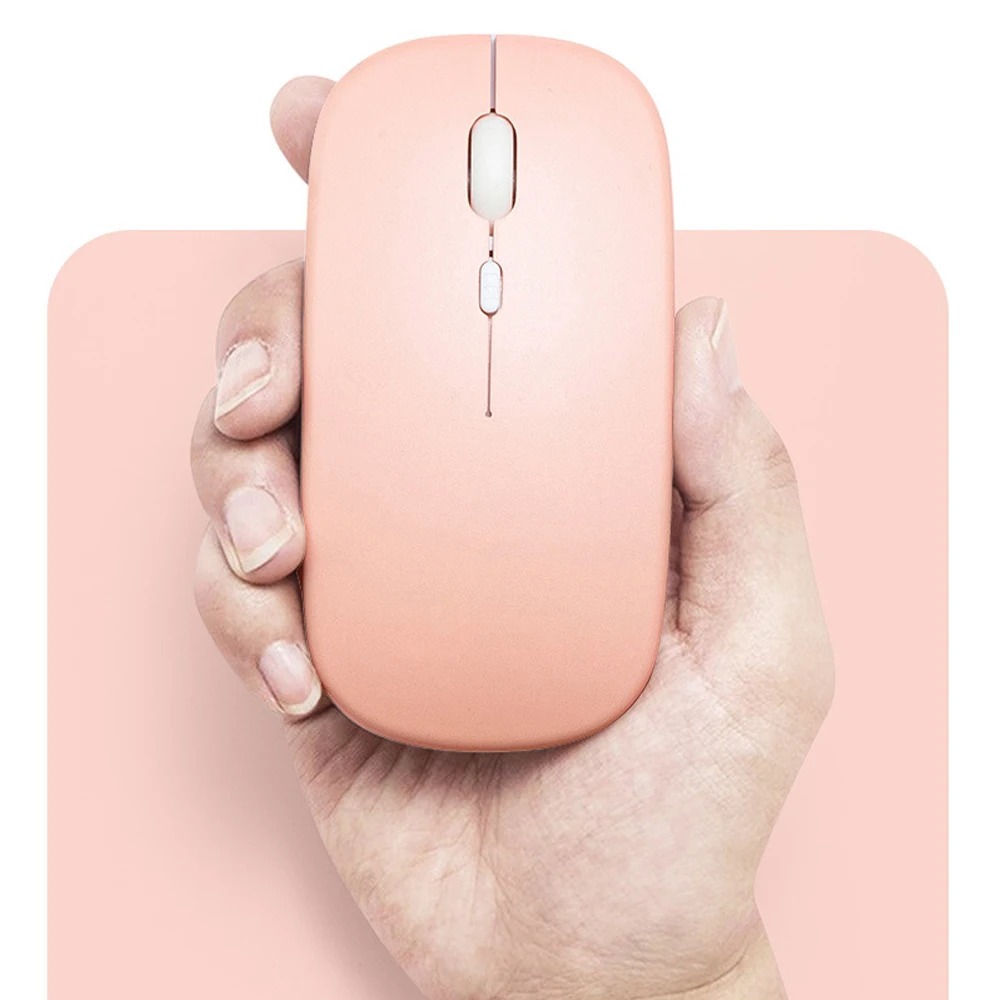
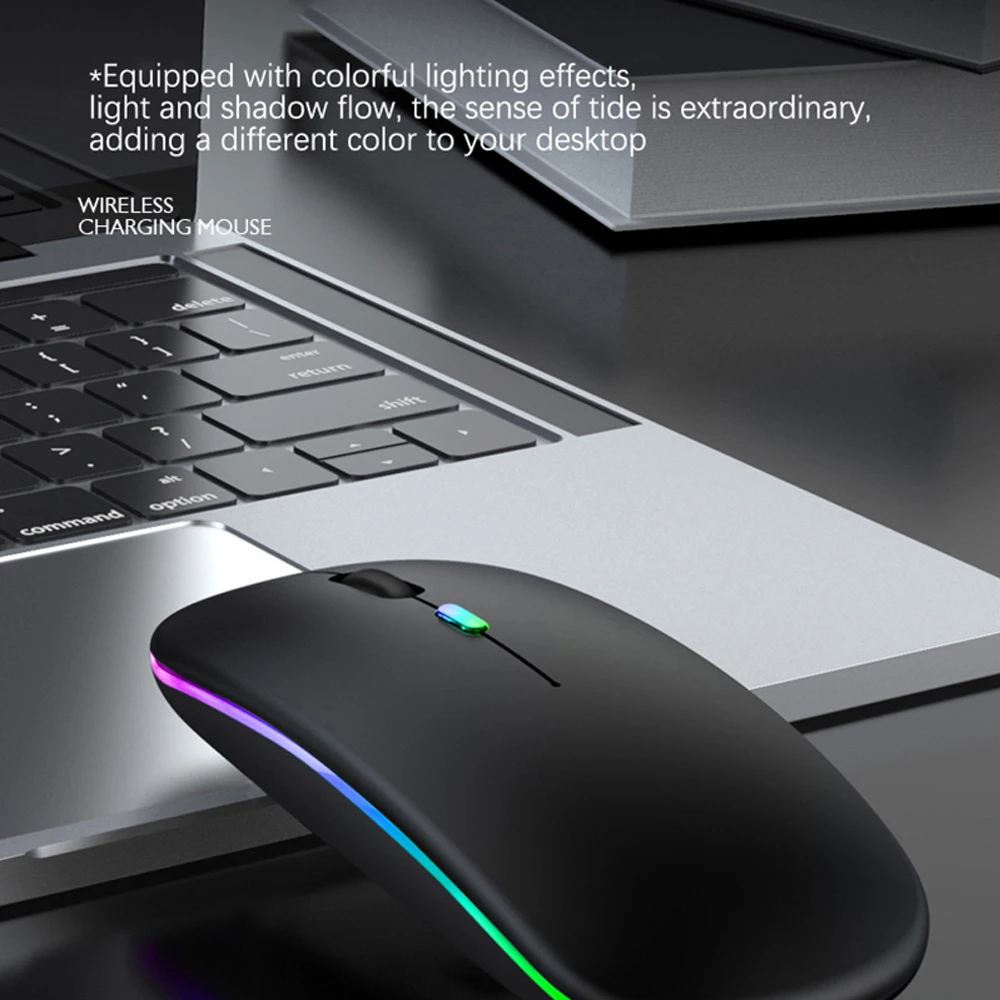
 This LED Wireless Bluetooth Mouse With 7 Diferent Colorful Breathing Lights, LED Wireless Mouse 7 Diferent Color changes Randomly While in UseOffering Soothing lighting. LED Mouse Creating Cool and Fancy Atmosphere for Work and Plav, LED Bluetooth Mouse Can Give You More Fun During.
 Wireless Mouse supports Bluetooth 5.2/3.0 and Wireless UsB 2.4G Dual-mode switching,Effective Transmission Range Can Reach 10 Meters.Bluetooth5.2/3.0 Has Stronger Compatibility,which is Compatible With Almost All Bluetooth Devices.Wireless UsB Receiver No Need to lnstallAny Driver,plug and
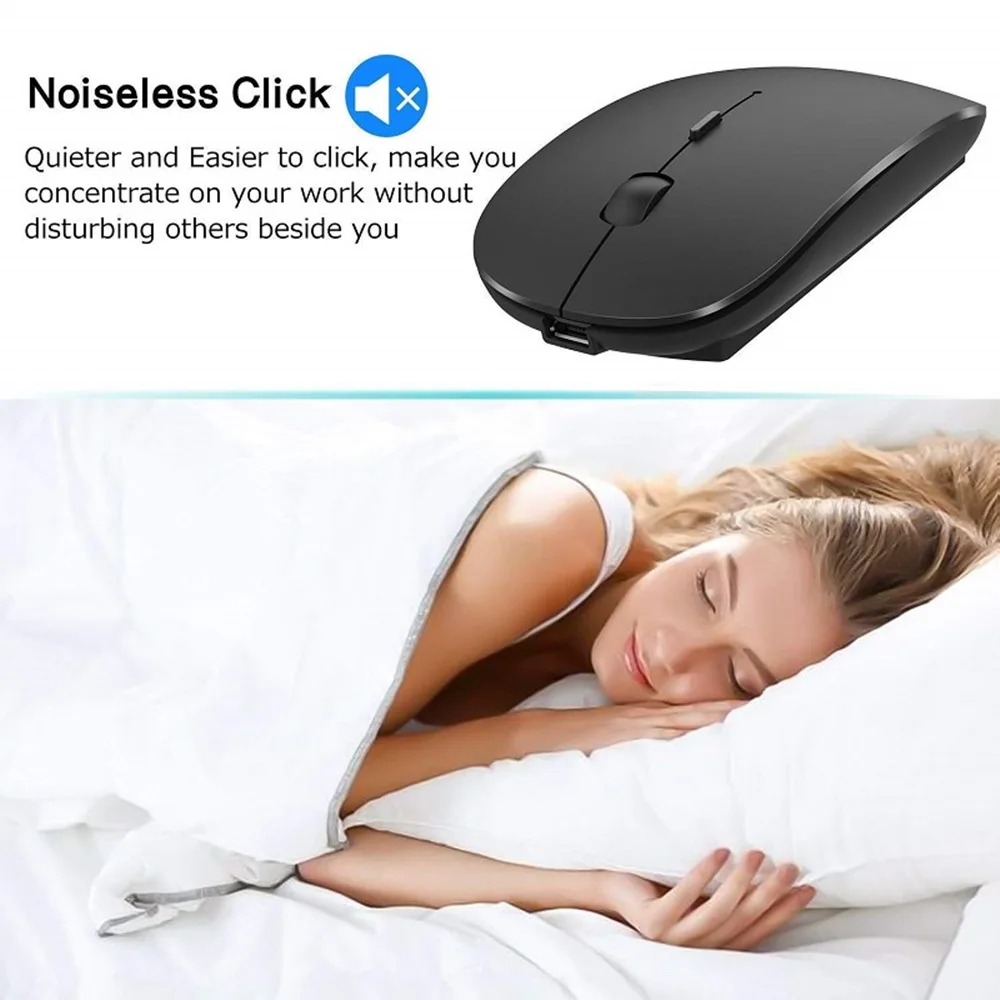
Play.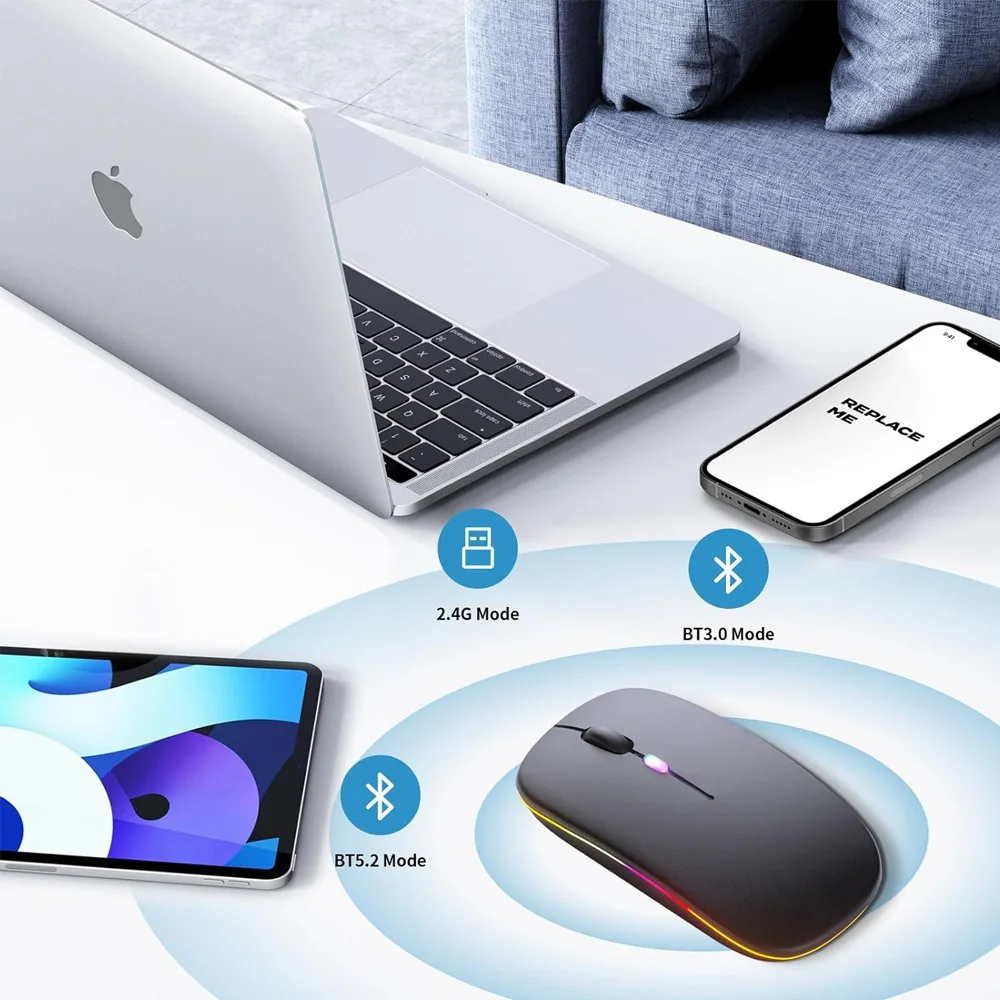 Silent Click,More Focus
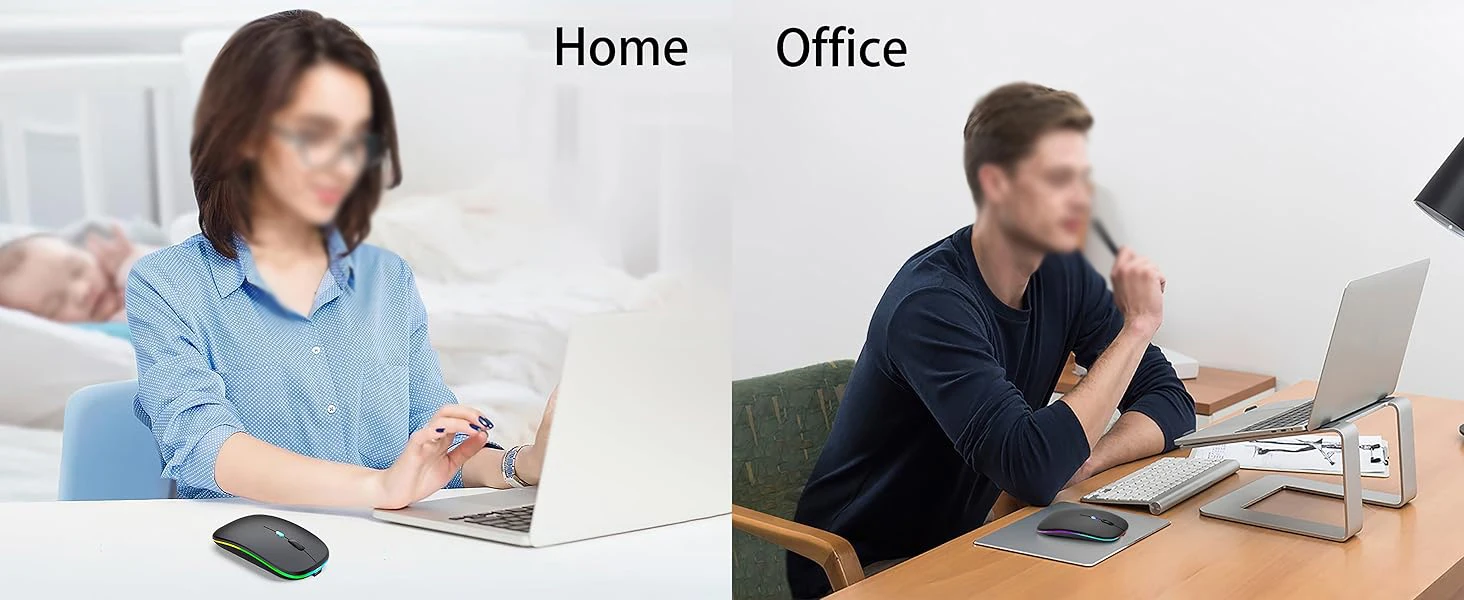
The silent mouse features a unique silent click technology, ensuring the clicks are virtuallynoiseless,allowing you to enjoy 90 percent less click noise,so that you can stay focused on yourwork,allowing peaceful work without disturbing others, ideal for both office and home use.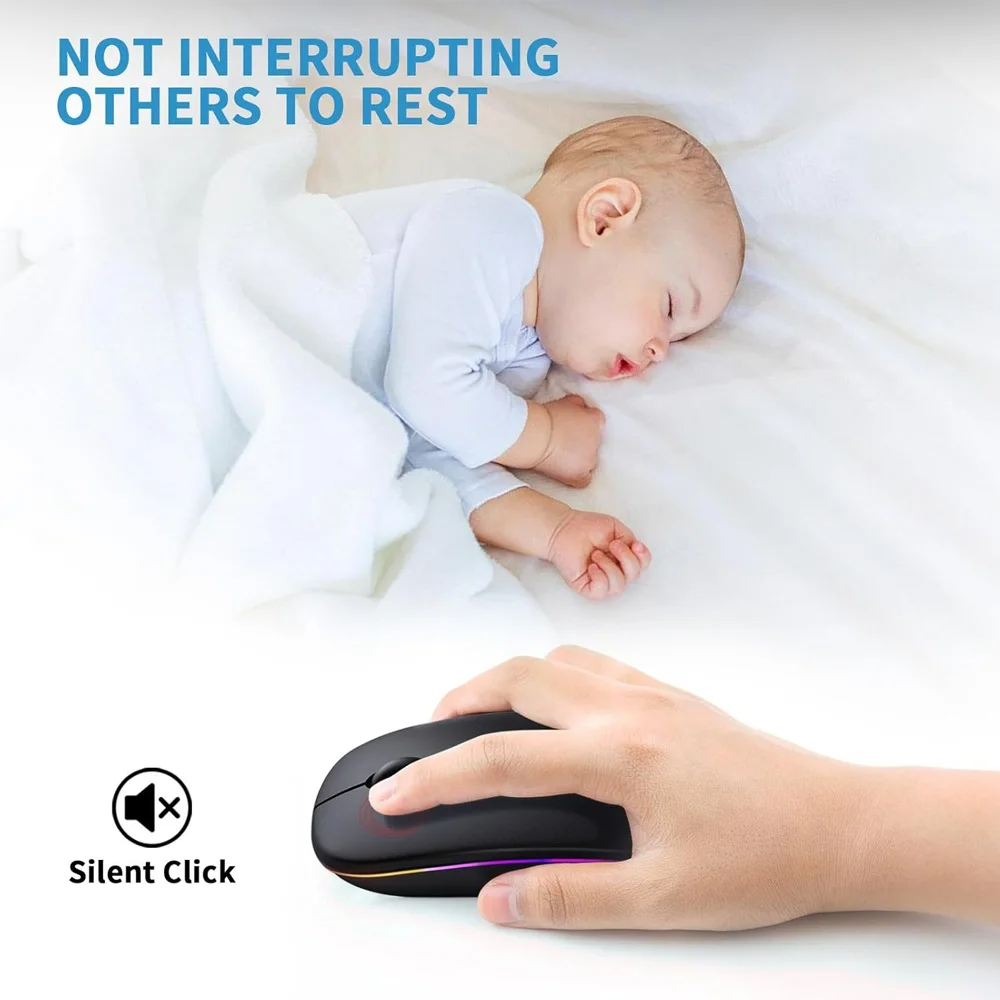 Portable Mouse:
Size About 4.5 x 2.4 x 1.1 inch,It Can Be Easily Put Into YourLaptop Bag and Ultra-Space>Saving. Slim and Lightweight,Portable Durable ErgonomicMouse is Perfect for Travel.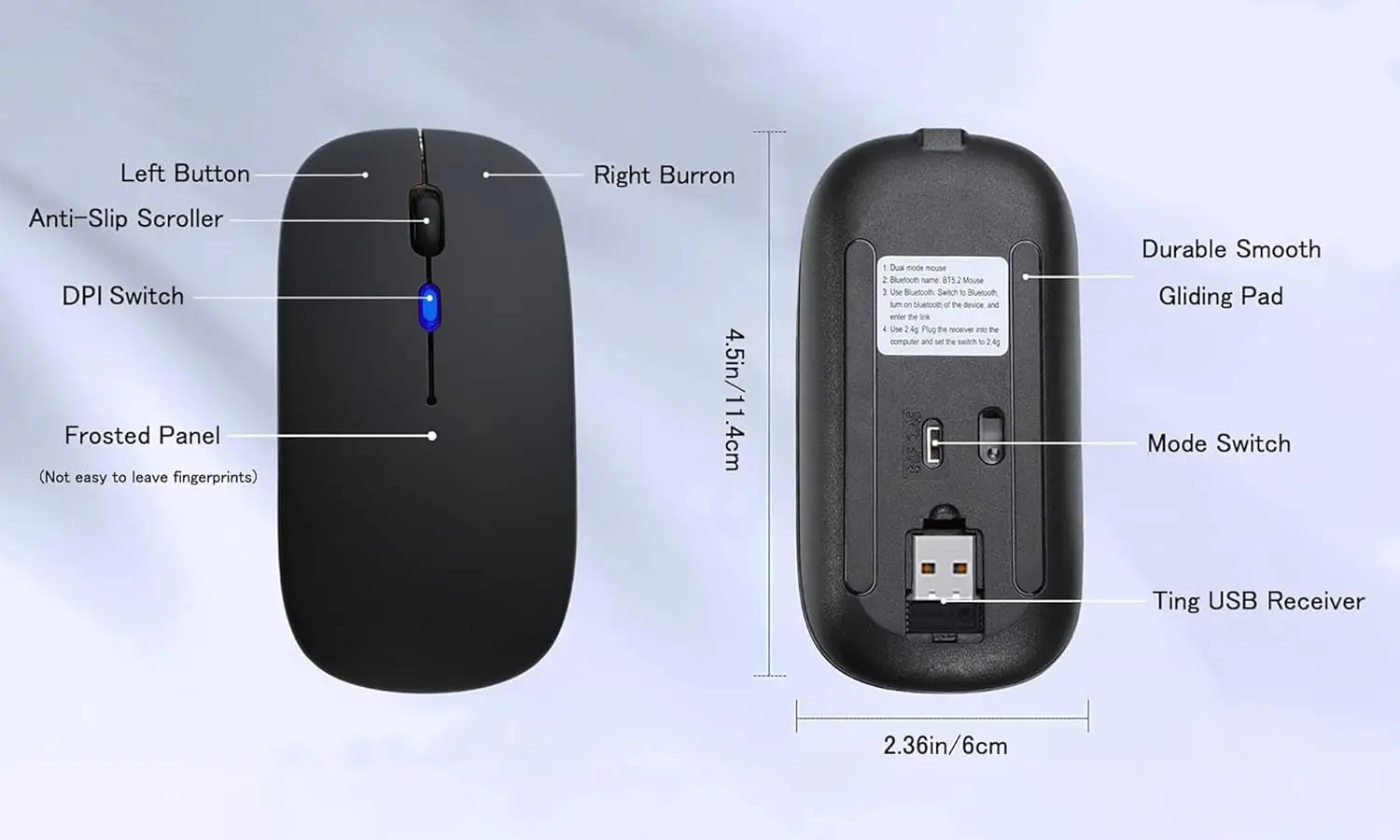 3 Adjustable DPlLevels:
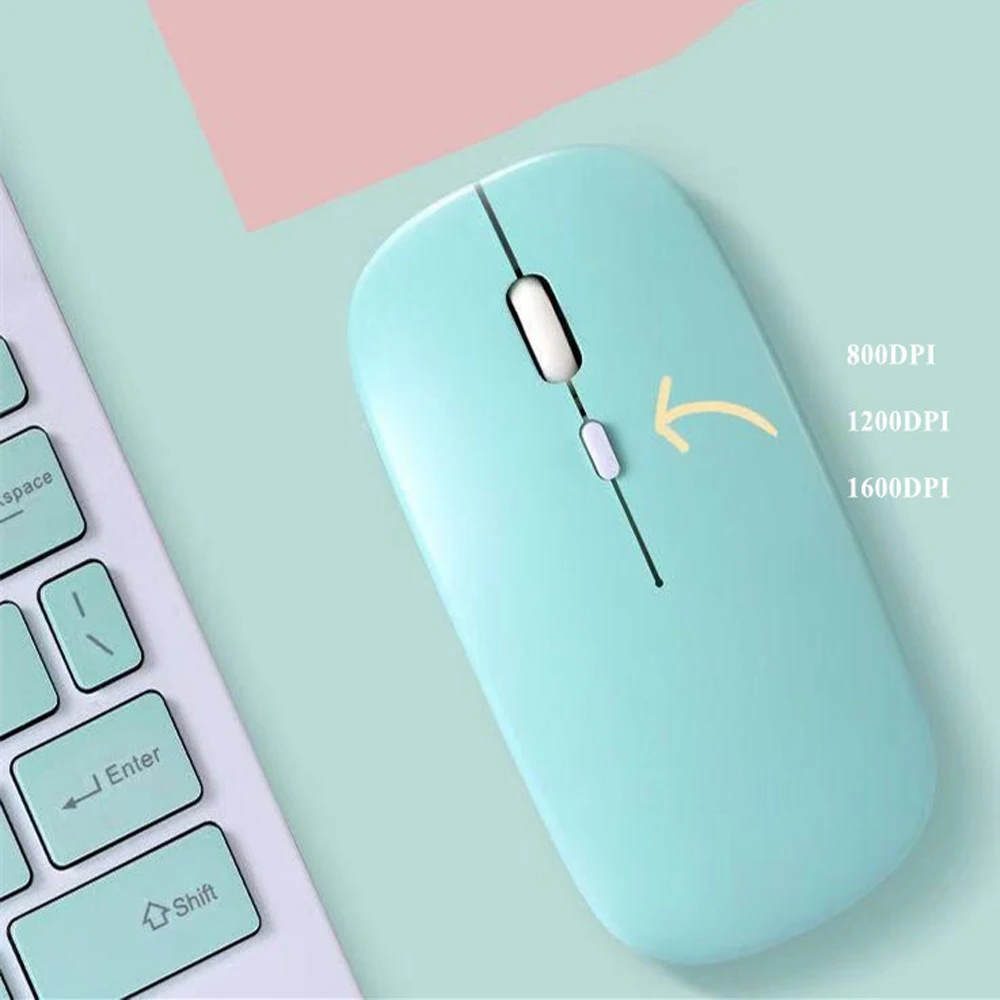
Wireless Computer Mousewith 800/1200/1600 DPl Resolution Optical TrackingTechnology provides more sensitivity than standardoptical mice for smooth and precise tracking on awide range of surfaces.you can freely choose yourcursor speed,reduces muscle fatigue and boost yourworkflow.whether working on spreadsheets, browsingthe web, or gaming, this wireless mouse will ensuresmooth and responsive performance.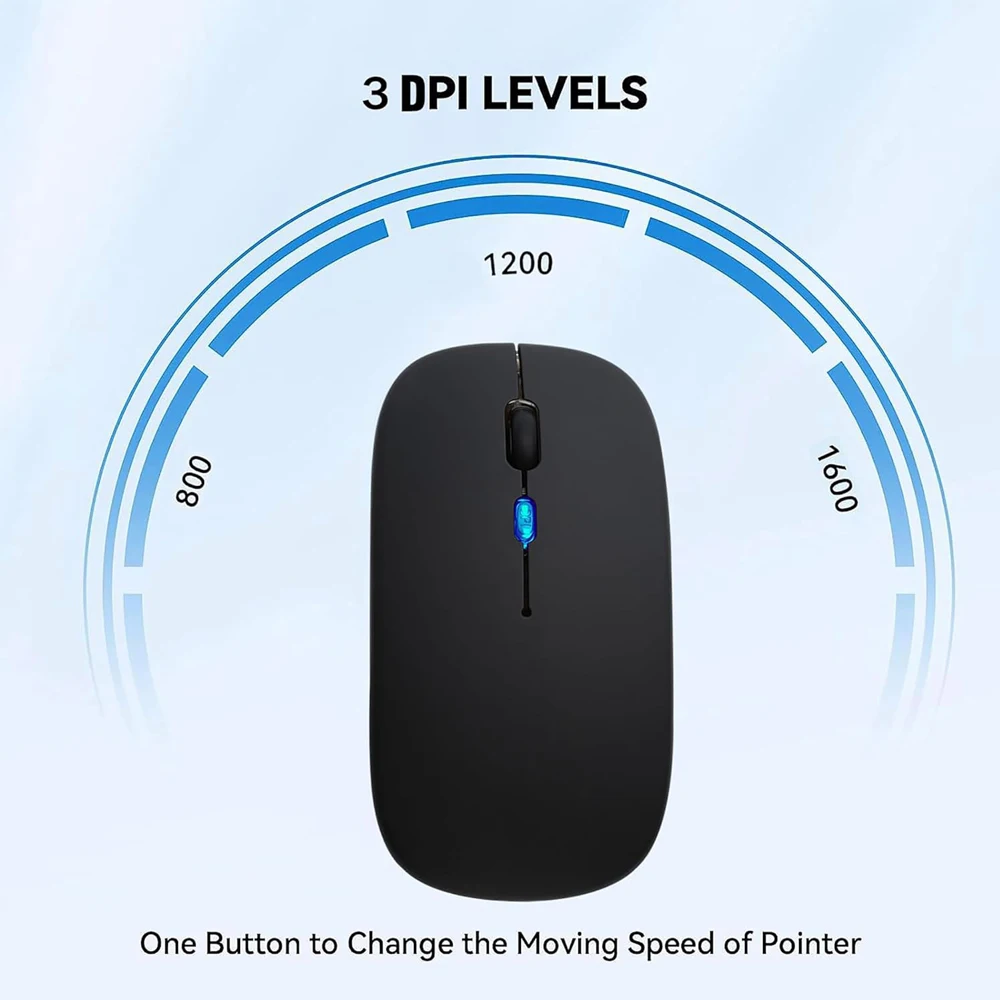
 How Connect the mouse ?
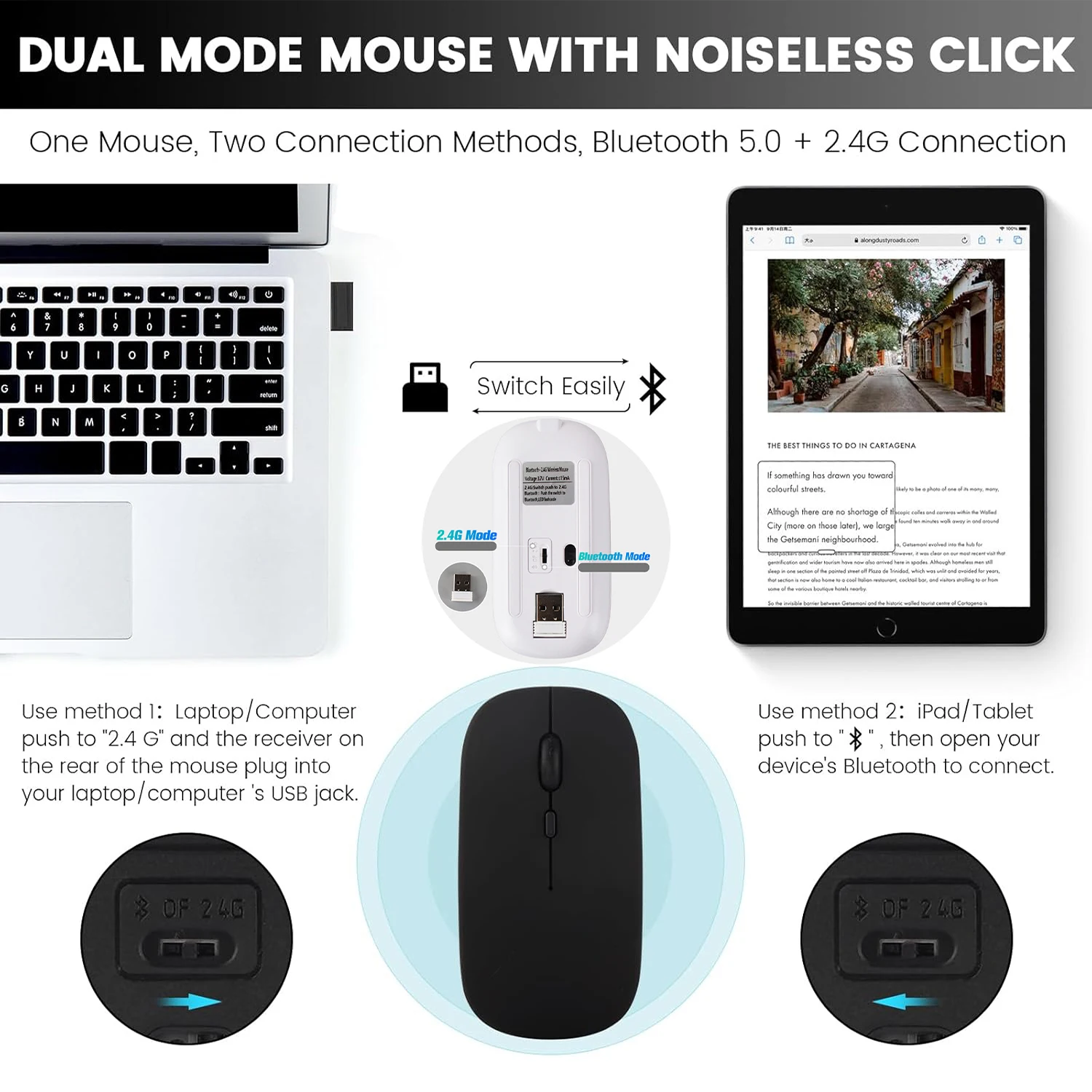 Method steps for using mouse Bluetooth mode:First, slide the mouse switch to Bluetooth mode (down) > open laptop system preferences settings > turn on Bluetooth function > when laptop Bluetooth is searching for nearby Bluetooth devices > The Green light flashes > Bluetooth search there appears "BT5.2 Mouse" > click to connect "BT5.2 mouse or BT3.0 mouse (BT3.0 for old laptop)" > connection is successful
Method steps for using mouse wireless 2.4GHz USB receiver mode: First, switch the mouse switch to 2.4G mode (up) > Then remove the USB receiver from the slot on the bottom of the mouse > Plug the USB receiver into the USB port of your laptop,plug and play. (Works with all USB ports Laptop and desktop ports)
How to Use the Bluetooth Mouse on the iPad OS13 and Above iPad pro 11/12.9 inch、iPad air 10.9 inch、 iPad mini 8.3 inch 、iPad 10.9 inch、iPad 10th/9th: First, Open iPad Settings, Find Accessibility, Turn on Touch Controls, Find Assistive Touch Controls, Turn on Assistive Touch Controls, then pull down to find the device, turn on the Bluetooth device, then turn on the mouse switch,your iPad will search for a "BT5.2 mouse" and click "Connect".(if you can't find the Bluetooth mouse device, please restart the mouse or iPad Bluetooth function, or restart the iPad)
When do I need to charge my wireless mouse:The mouse pointer moves slowly or responds slowly, or suddenly disconnects continuously during use, this is the reminder that you need to charge the Bluetooth mouse for about 2 hours.
Please use an adapter with an output of no more than 5v/1A for charging, or a power bank, or a USB port on your laptop. (Charging is prohibited on chargers with output 10V/1.5A or more)