
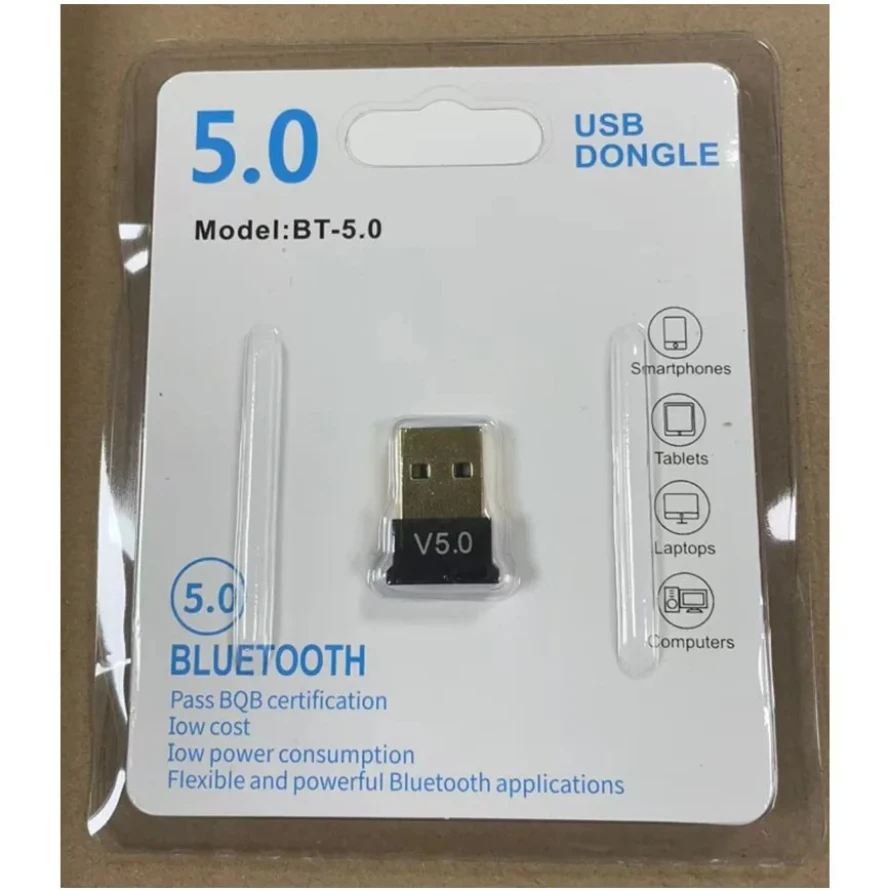
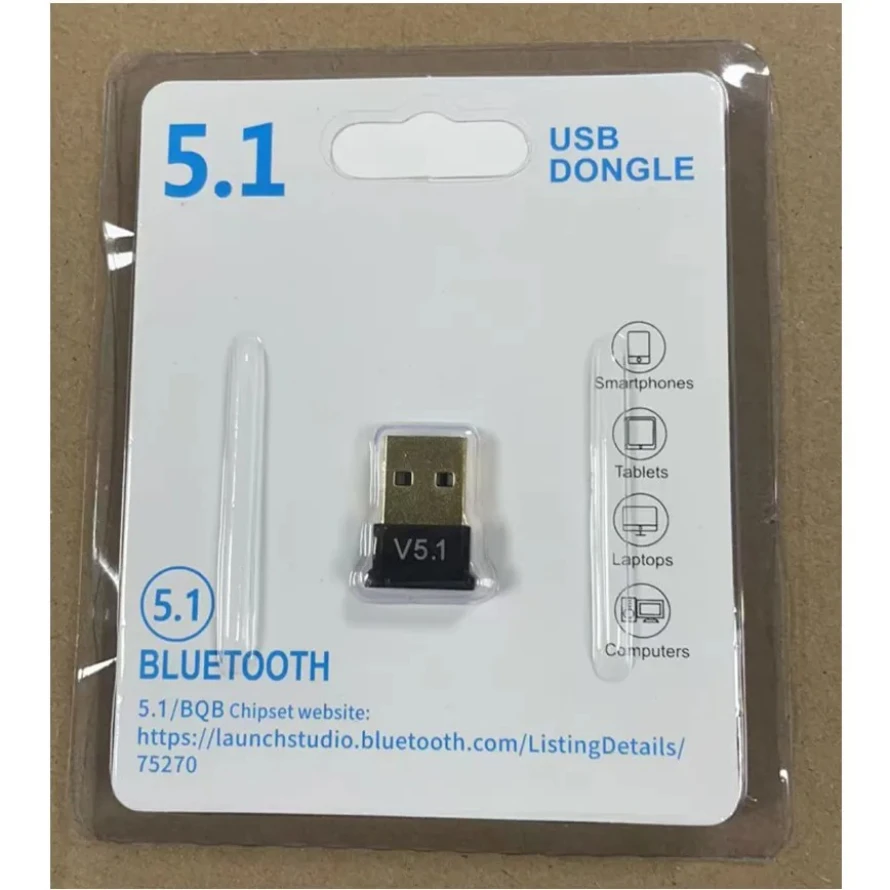
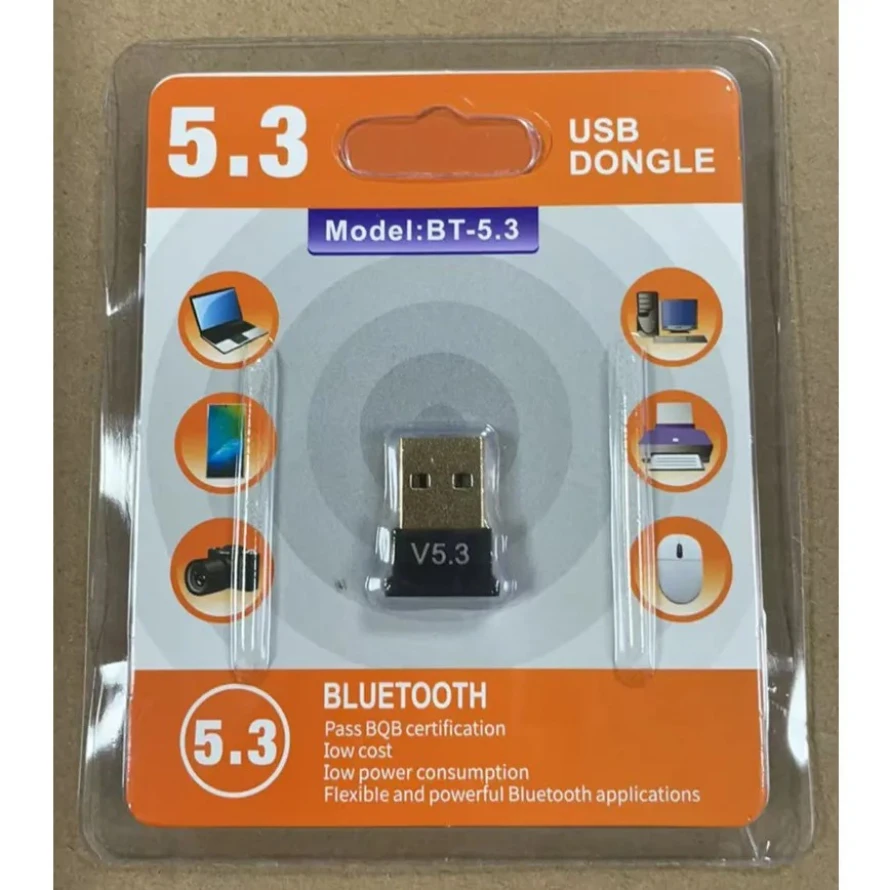
USB Bluetooth Adapter Bluetooth 5.4 5.3 5.1 5.0 Dongle Wireless Audio Transmitters Receiver For PC Laptop Windows 11/10/8.1/7
Bluetooth 5.4
$2.07
Sale price
$2.07
Regular price
$2.46
Skip to product information


USB Bluetooth Adapter Bluetooth 5.4 5.3 5.1 5.0 Dongle Wireless Audio Transmitters Receiver For PC Laptop Windows 11/10/8.1/7
$2.07
Sale price
$2.07
Regular price
$2.46
SPECIFICATIONS
Antenna Type: Internal
Bluetooth Standard: Compatible Bluetooth v5.4
Bluetooth Version: Bluetooth 5.4
Brand Name: MnnWuu
Certification: CE,FCC
Choice: yes
High-concerned chemical: None
Model Number: Wireless USB Bluetooth Dongle Adapters
Origin: Mainland China
Package: Yes
Support vehicle-mounted: No support
USB Interface: USB 2.0
semi_Choice: yes
Bluetooth Dongle + EDR Adapter:
Equipped with the state-of-the-art Bluetooth Dongle + EDR technology, this USB adapter takes interference resistance and stability to the next level. lt minimizes transmission efficiency loss caused by interference in the 2.4 GHzfrequency band.
Enhanced Connection Stability:
Thanks to Bluetooth Dongle, transmitting data at a rate of up to 3Mbps.With Bluetooth low energy (BLE) and dual-mode Bluetooth transmission features, this device ensures faster data transferspeeds.In an open space, it can transmit data up to an impressive 32ft (10m).
Broad Application:
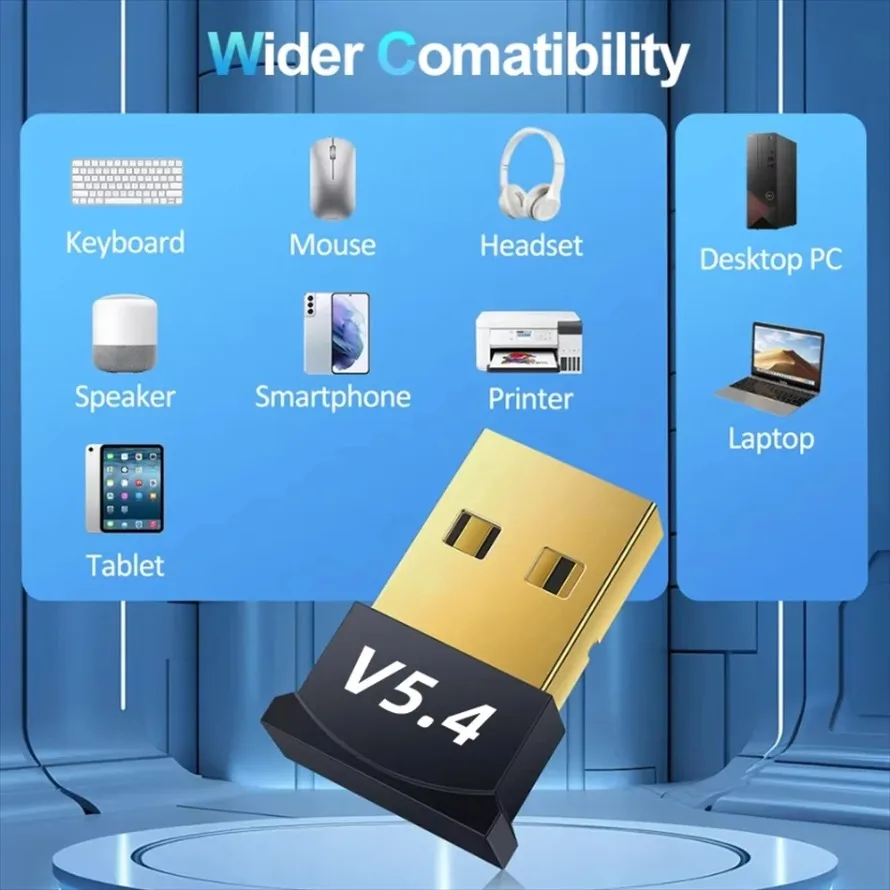
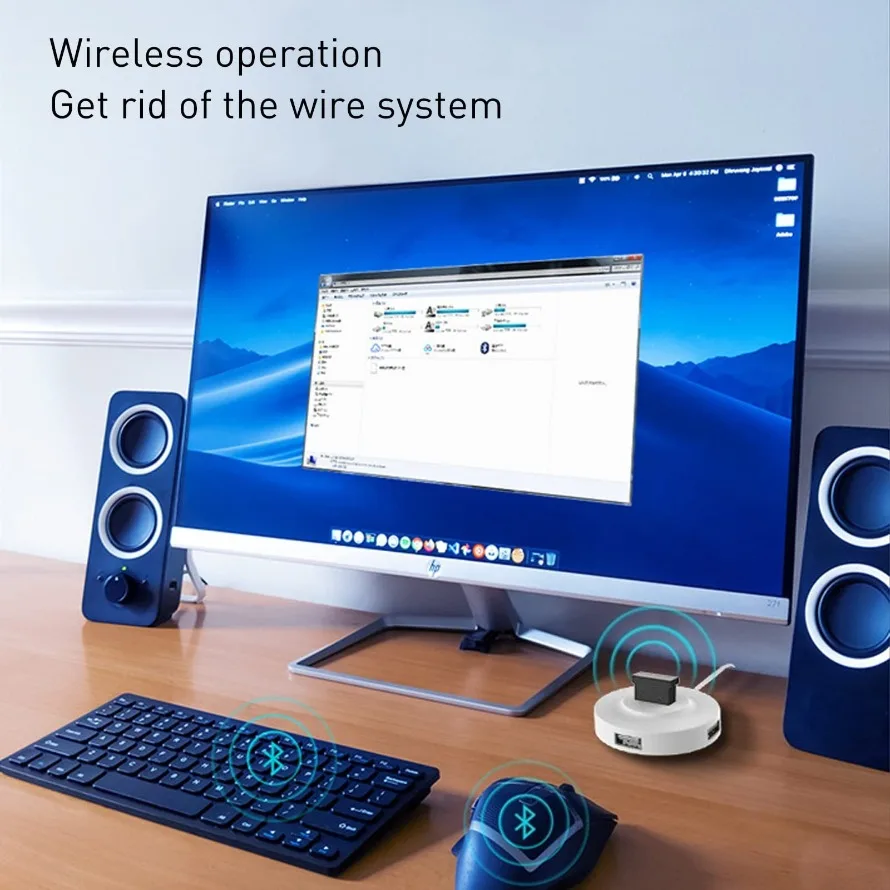
This wireless Bluetooth adapter can link amyriad of devices, from Bluetooth speakers and keyboards toheadsets and mice. lt's perfect for enjoying music while wirelesslytransferring files, making the most out of your Bluetooth adapter
Compact Design:
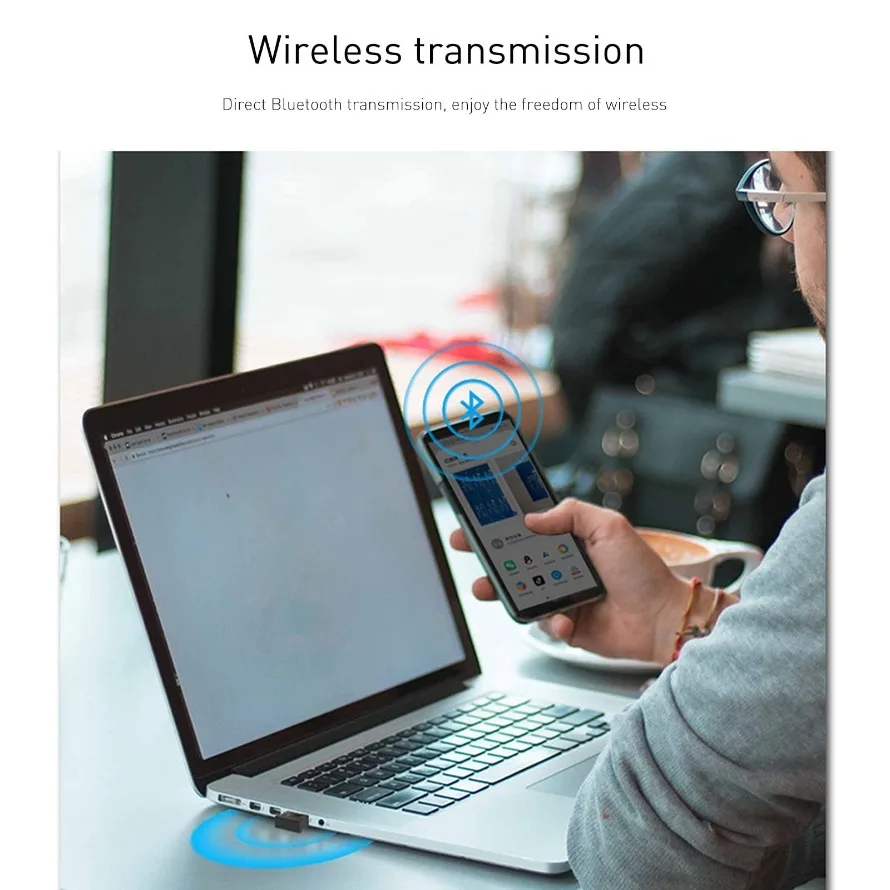
With its sleek and compact design, the Bluetooth receiver fits perfectly onto your laptop or PC, practically unnoticed. lt's easy to carry with your laptop and won't obstruct neighboring USB ports.
Note:
The USB bluetooth adapter can only be plugged into your desktop or laptop computer, and cannot be used on other devices such as a car.
Q: If your Bluetooth adapter does not work (there is a driver error problem), please use the following methods to solve it.
A: For Windows 7 system computers, you need to install the driver manually. Please contact our customer service staff and tell us your email address. We will send the driver to you via email. Install the driver manually.
Some Windows 10 computer systems have built-in Bluetooth functionality (For Example: Intel(R) Wireless Bluetooth"), So you need to right-click to disable the Bluetooth: "Intel(R) Wireless Bluetooth" and then re-plug our 5.4/5.3/5.1/5.0 Bluetooth adapter to try,
If you have other questions, you can contact our online customer service to solve the problem.
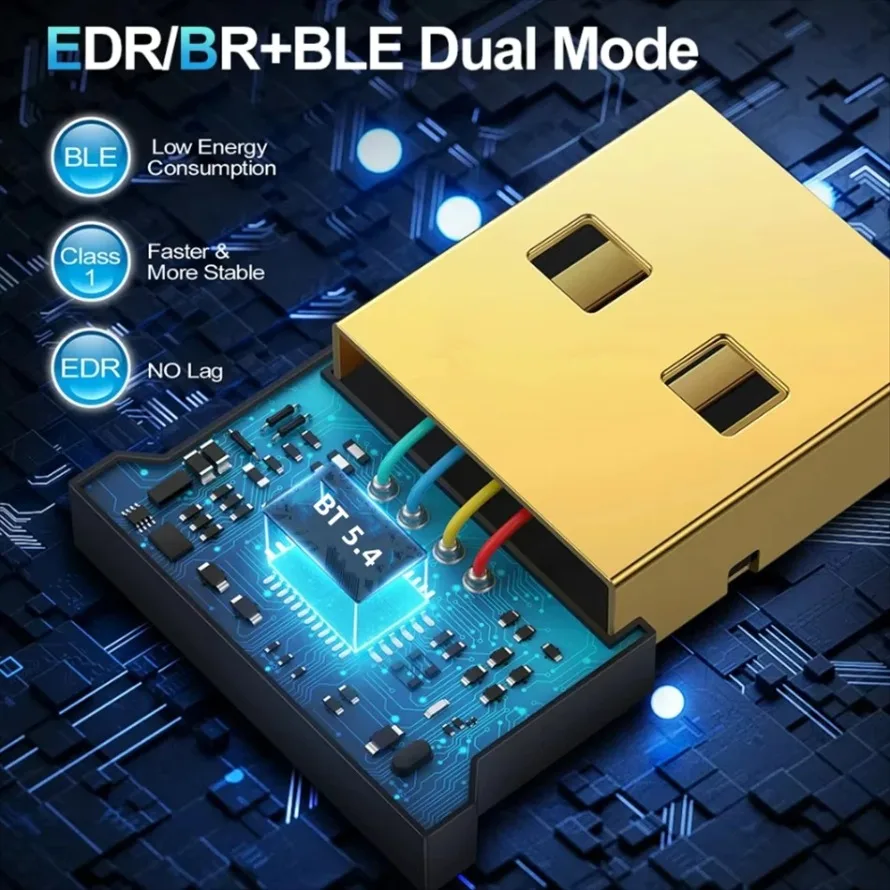
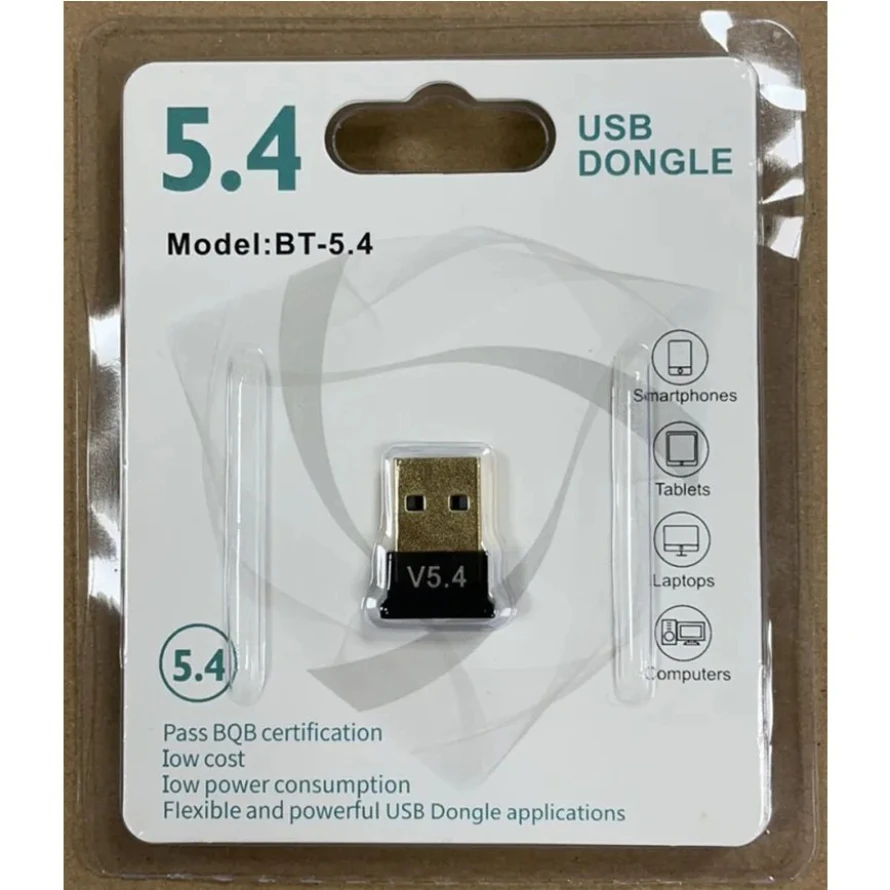
Equipped with the state-of-the-art Bluetooth Dongle + EDR technology, this USB adapter takes interference resistance and stability to the next level. lt minimizes transmission efficiency loss caused by interference in the 2.4 GHzfrequency band.
Enhanced Connection Stability:
Thanks to Bluetooth Dongle, transmitting data at a rate of up to 3Mbps.With Bluetooth low energy (BLE) and dual-mode Bluetooth transmission features, this device ensures faster data transferspeeds.In an open space, it can transmit data up to an impressive 32ft (10m).
Broad Application:
This wireless Bluetooth adapter can link amyriad of devices, from Bluetooth speakers and keyboards toheadsets and mice. lt's perfect for enjoying music while wirelesslytransferring files, making the most out of your Bluetooth adapter
Compact Design:
With its sleek and compact design, the Bluetooth receiver fits perfectly onto your laptop or PC, practically unnoticed. lt's easy to carry with your laptop and won't obstruct neighboring USB ports.
Note:
The USB bluetooth adapter can only be plugged into your desktop or laptop computer, and cannot be used on other devices such as a car.
Q: If your Bluetooth adapter does not work (there is a driver error problem), please use the following methods to solve it.
A: For Windows 7 system computers, you need to install the driver manually. Please contact our customer service staff and tell us your email address. We will send the driver to you via email. Install the driver manually.
Some Windows 10 computer systems have built-in Bluetooth functionality (For Example: Intel(R) Wireless Bluetooth"), So you need to right-click to disable the Bluetooth: "Intel(R) Wireless Bluetooth" and then re-plug our 5.4/5.3/5.1/5.0 Bluetooth adapter to try,
If you have other questions, you can contact our online customer service to solve the problem.